Guide your partners
Publish clear information and keep assigned workspace guidance alongside document requests.
 Partner Portal
A branded partner knowledge base, private document workspaces and AI answers with source links, deployed in your Azure subscription.
Professional services firms, consultancies and teams that share guidance and collect documents from external partners or clients.
The Azure Marketplace release is being prepared. Product workflows have development validation; full offer staging, preview acquisition and certification remain pending. No public purchase link is available yet.
Product information updated
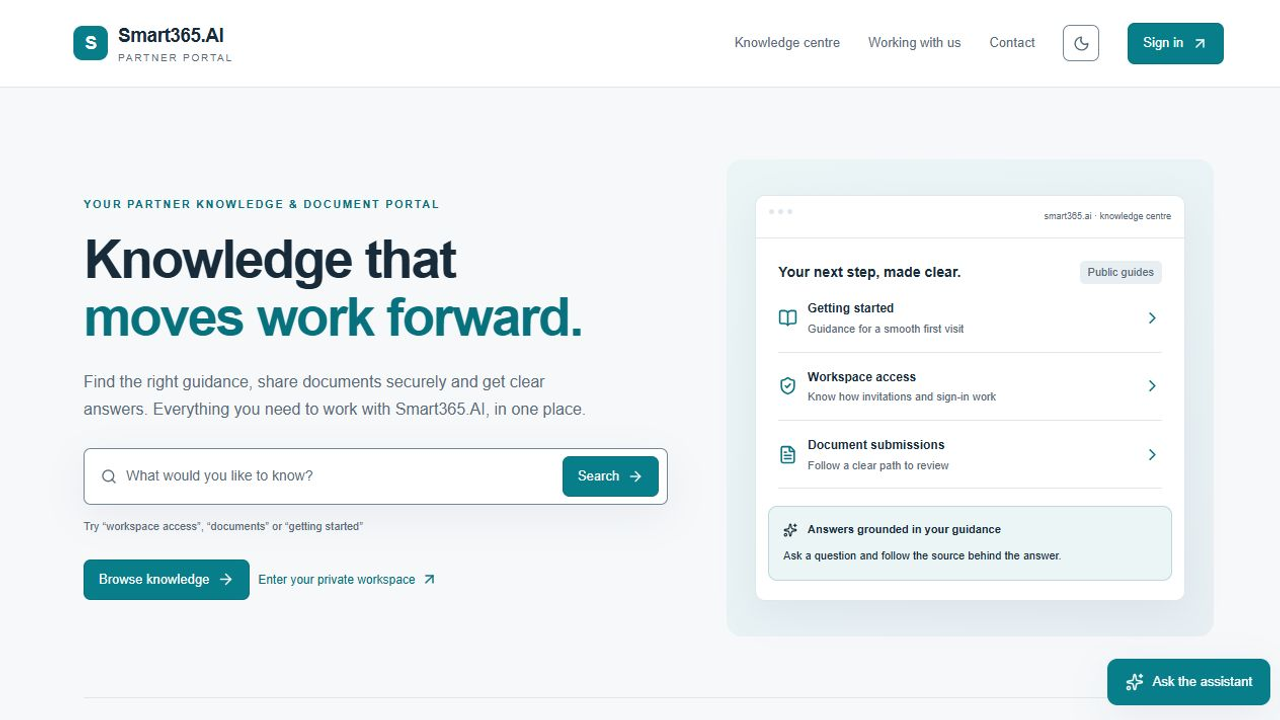
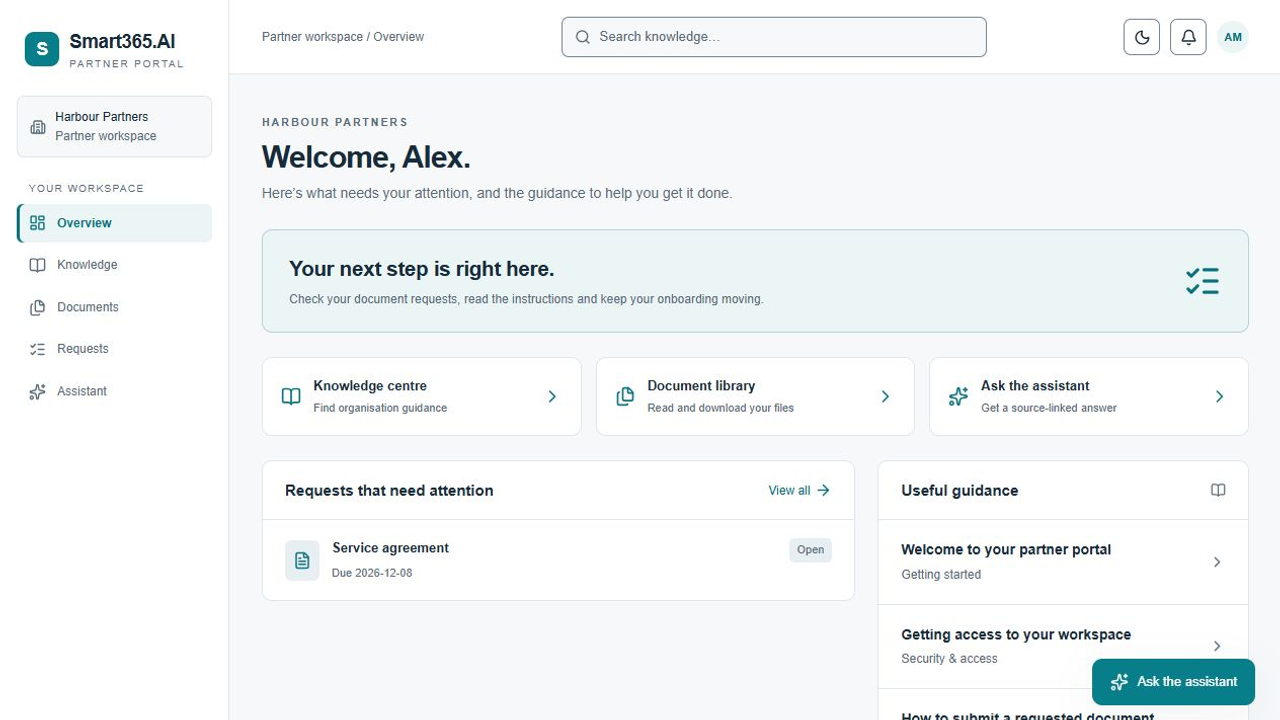
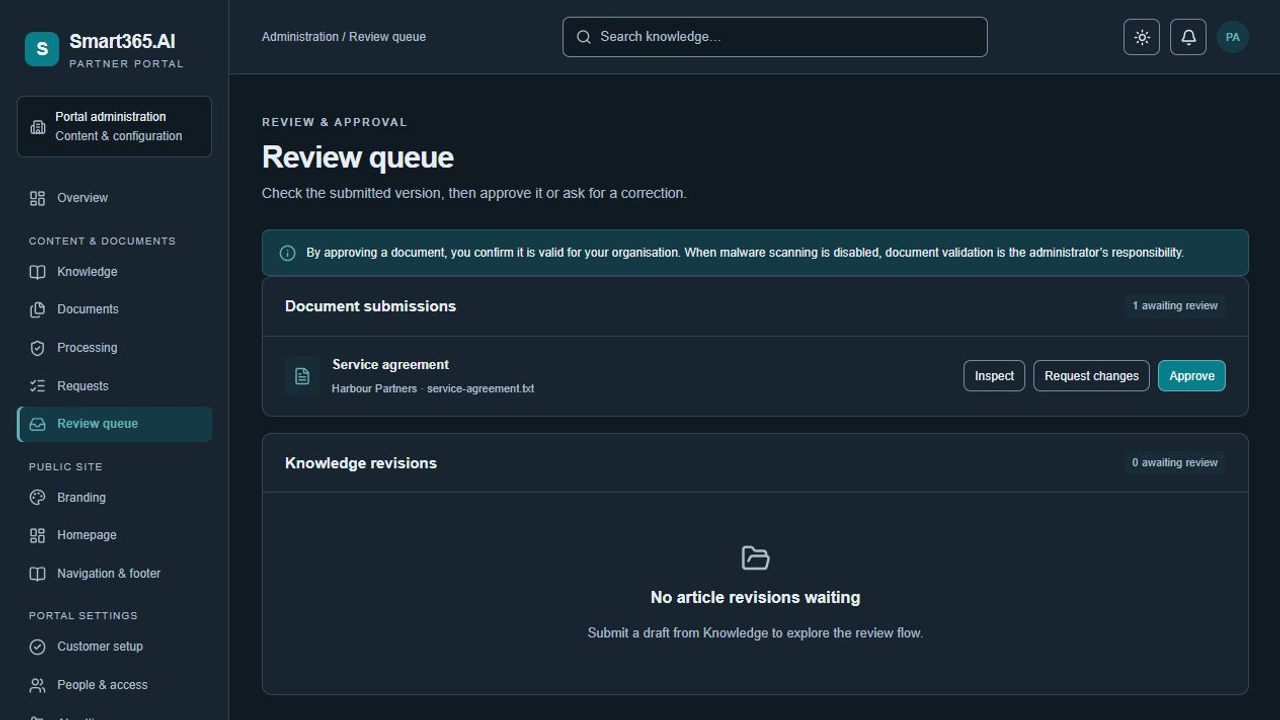
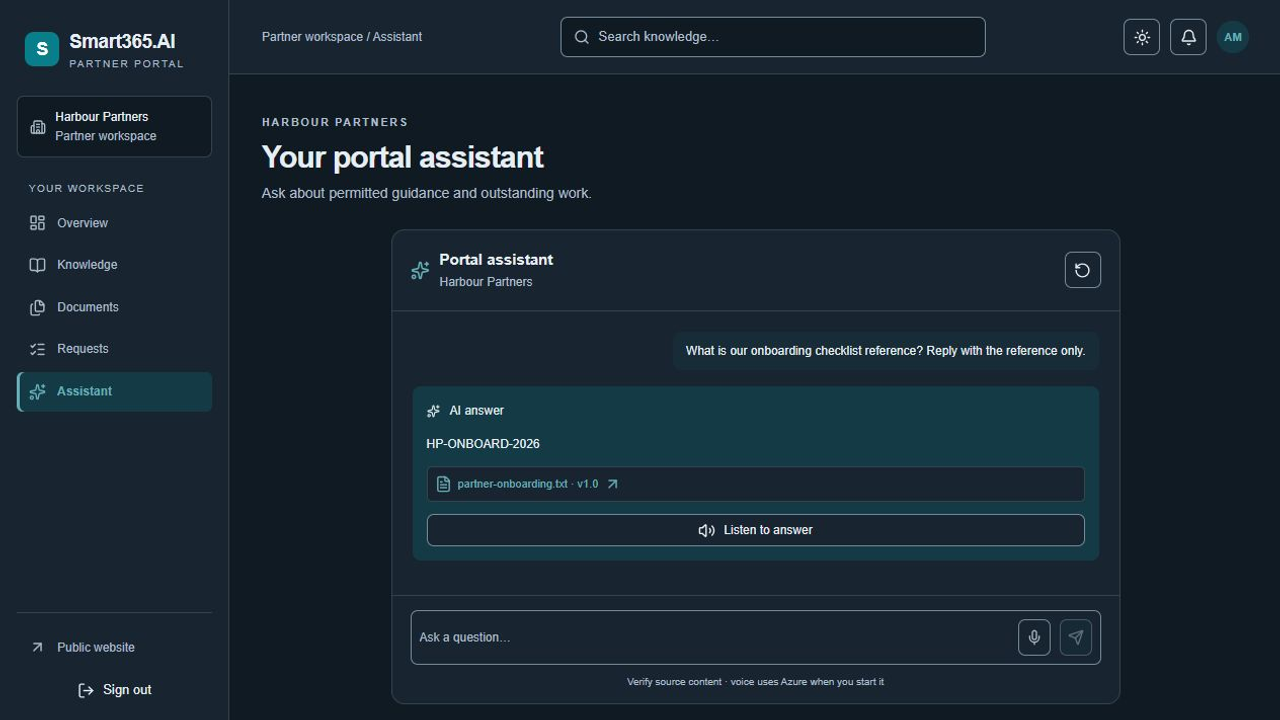
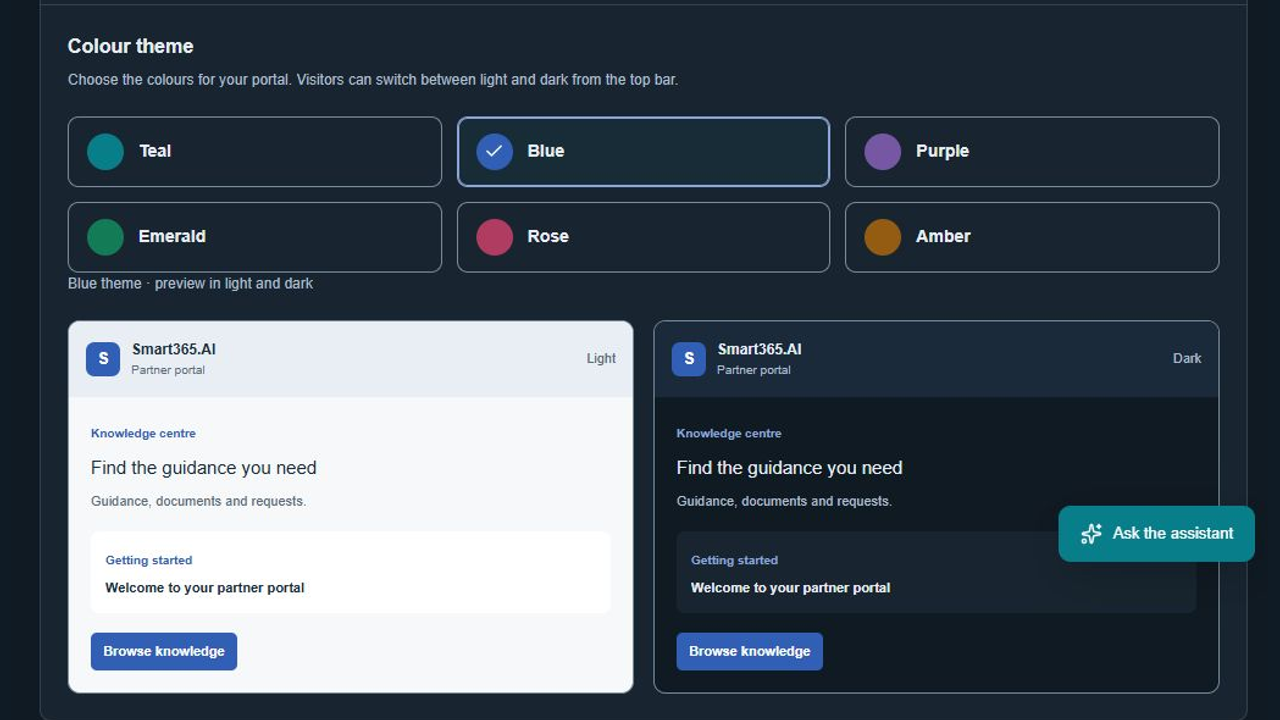
Smart365.AI Partner Portal brings published guidance, partner document requests and review into one customer-hosted application. Give assigned Microsoft members a workspace, review their submissions, and help them find permitted information through source-linked AI.
Publish clear information and keep assigned workspace guidance alongside document requests.
Track submissions, corrections and approvals while preserving the original versions.
Use AI to find eligible information and follow its sources before making a decision.
Web browser · Customer Azure subscription
Integrations: Microsoft Entra ID, Azure App Service, Azure SQL Database, Private Azure Blob Storage, Azure OpenAI
Marketplace commercial terms have not been announced. Azure hosting, SQL, storage, AI and network usage are charged separately to the customer subscription.
The assistant answers from permitted published guidance and eligible current approved documents, with source links for human review.
Administrators validate documents and publish knowledge. Users check AI answers against the linked original sources before acting.
Selected development models passed grounded-answer, source eligibility, voice playback and synthetic speech checks. Full Marketplace acquisition and staging qualification remain pending.
Text answers with source references and optional voice features.
Customer-configured member sign-in with explicit portal workspace membership.
The customer manages their Azure resources, content and member assignments. Normal Azure RBAC applies without a publisher deny lock. Managed identities connect the app to dedicated SQL, private Blob storage and AI. Eligible content is sent to the configured Azure AI service; Global Standard processing can occur outside the selected resource region. No compliance certification or guaranteed AI accuracy is implied.
The selected deployment ZIP includes the compiled application. Native OneDeploy installs it into persistent customer App Service package storage. Normal app stop/start uses the installed copy.
Administrator approval is the default policy and includes no scanning. An existing ClamAV scanner can be configured and must be validated separately.
Logout clears only the portal session and returns to its public root page, preserving other Microsoft 365 browser sessions.